Monitor many hosts
Keep multiple IP addresses and hostnames together in one monitor.
PTTS LLC · Linux Application
A simple graphical multi-host ping monitor for Linux.
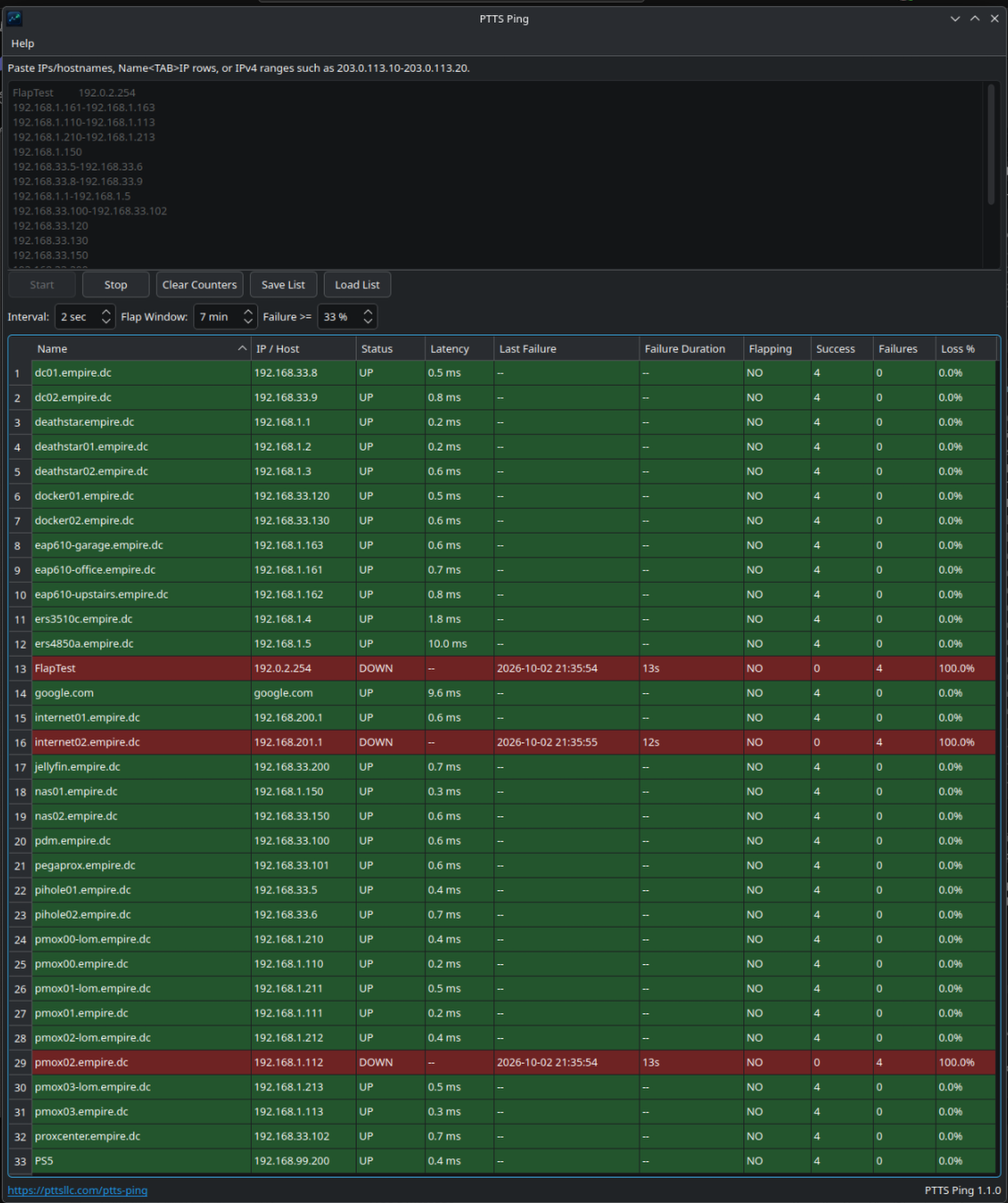
Monitor multiple IP addresses and hostnames in one window. See reachability, latency, packet loss, and failures at a glance, and spot unstable hosts that keep switching between reachable and unreachable.
Install PTTS Ping
From the folder containing your download, run:
sudo apt install ./ptts-ping_amd64.debAPT installs the required Qt6 runtime libraries and iputils-ping automatically. Package-tested on Ubuntu 24.04 LTS and Ubuntu 26.04.
What it does
Keep multiple IP addresses and hostnames together in one monitor.
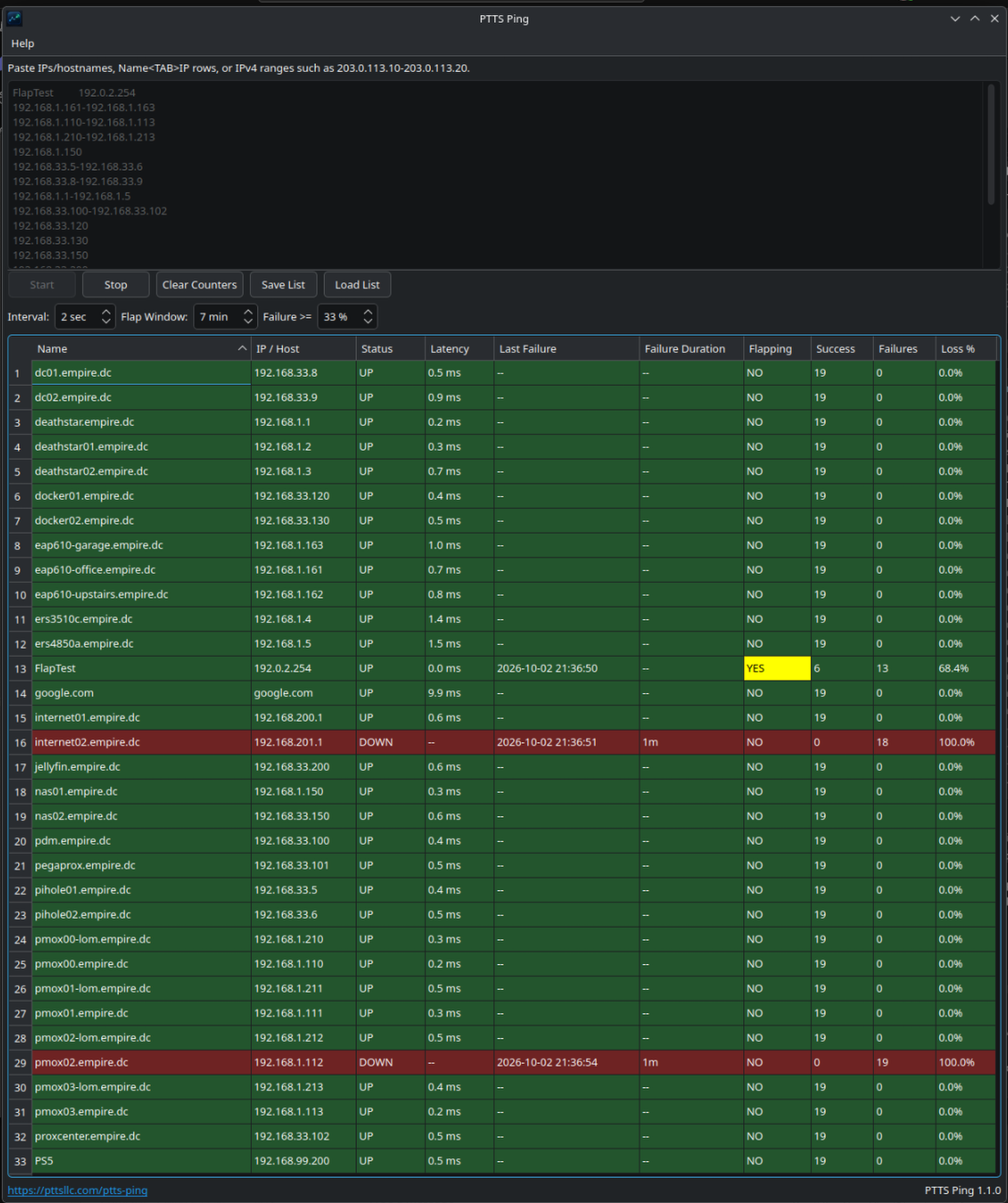
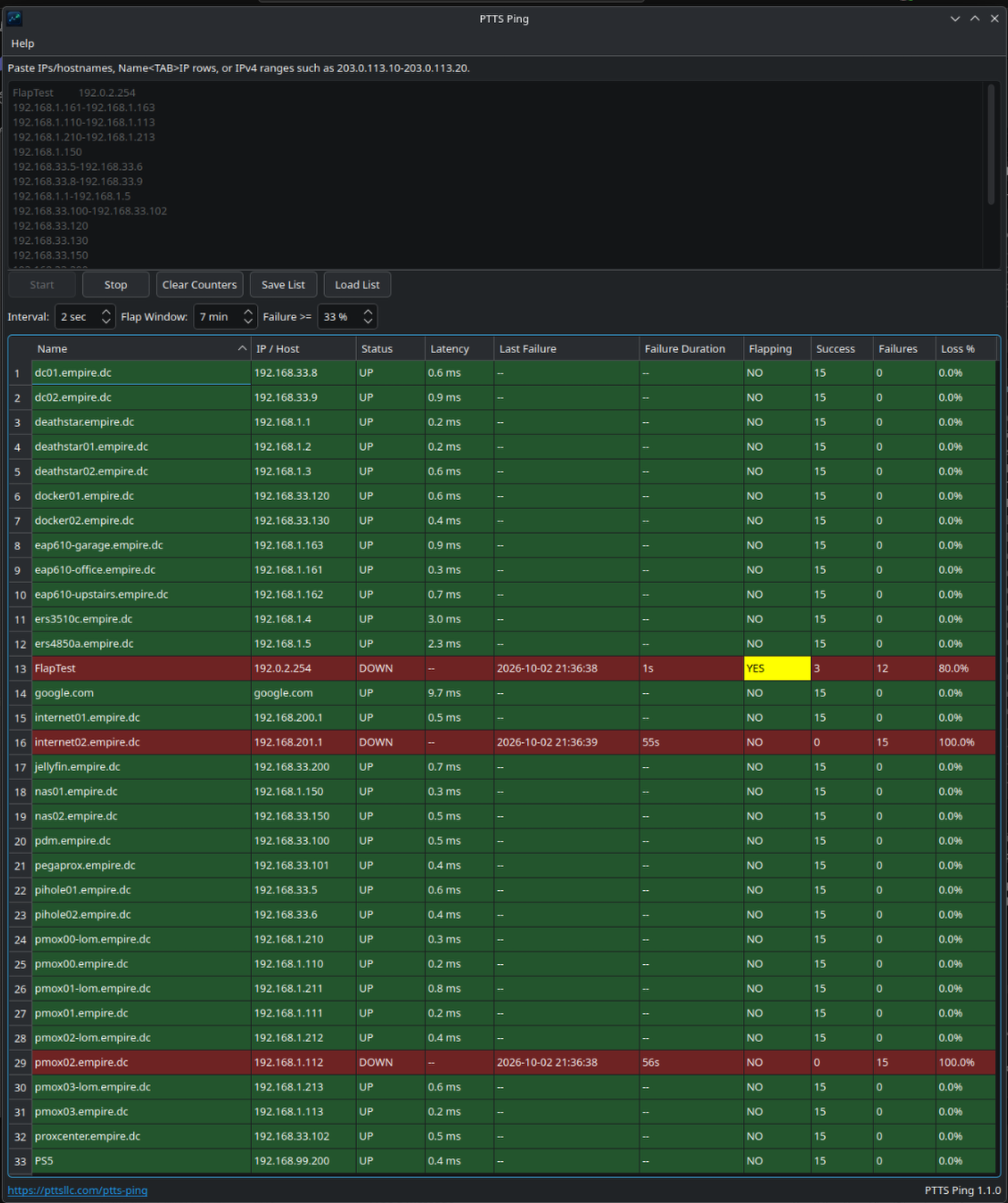
See each host’s UP/DOWN state and latency at a glance.
Track success and failure counters, packet loss, Last Failure, and Failure Duration.
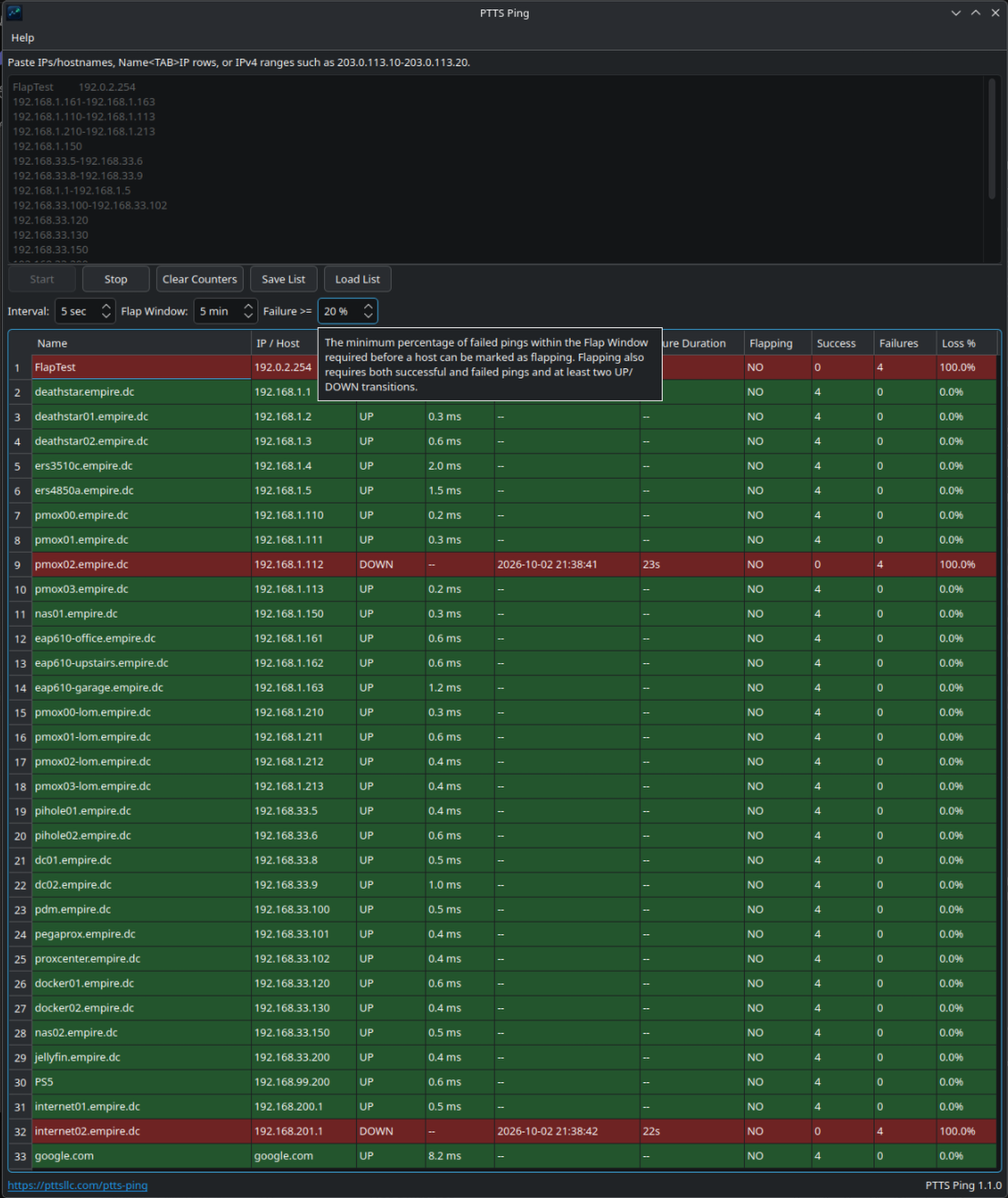
Identify hosts rapidly changing between reachable and unreachable states.
Use reverse DNS, enter IPv4 ranges, and sort IP addresses numerically.
Save and load host lists, paste spreadsheet-friendly input, and keep your preferences and window layout.
See it in action
Select a screenshot to enlarge it.
Help & resources
PTTS Ping is proprietary freeware from PTTS LLC, built with native C++17 / Qt6. The public GitHub support repository provides documentation and support.