Persistent MultiExec
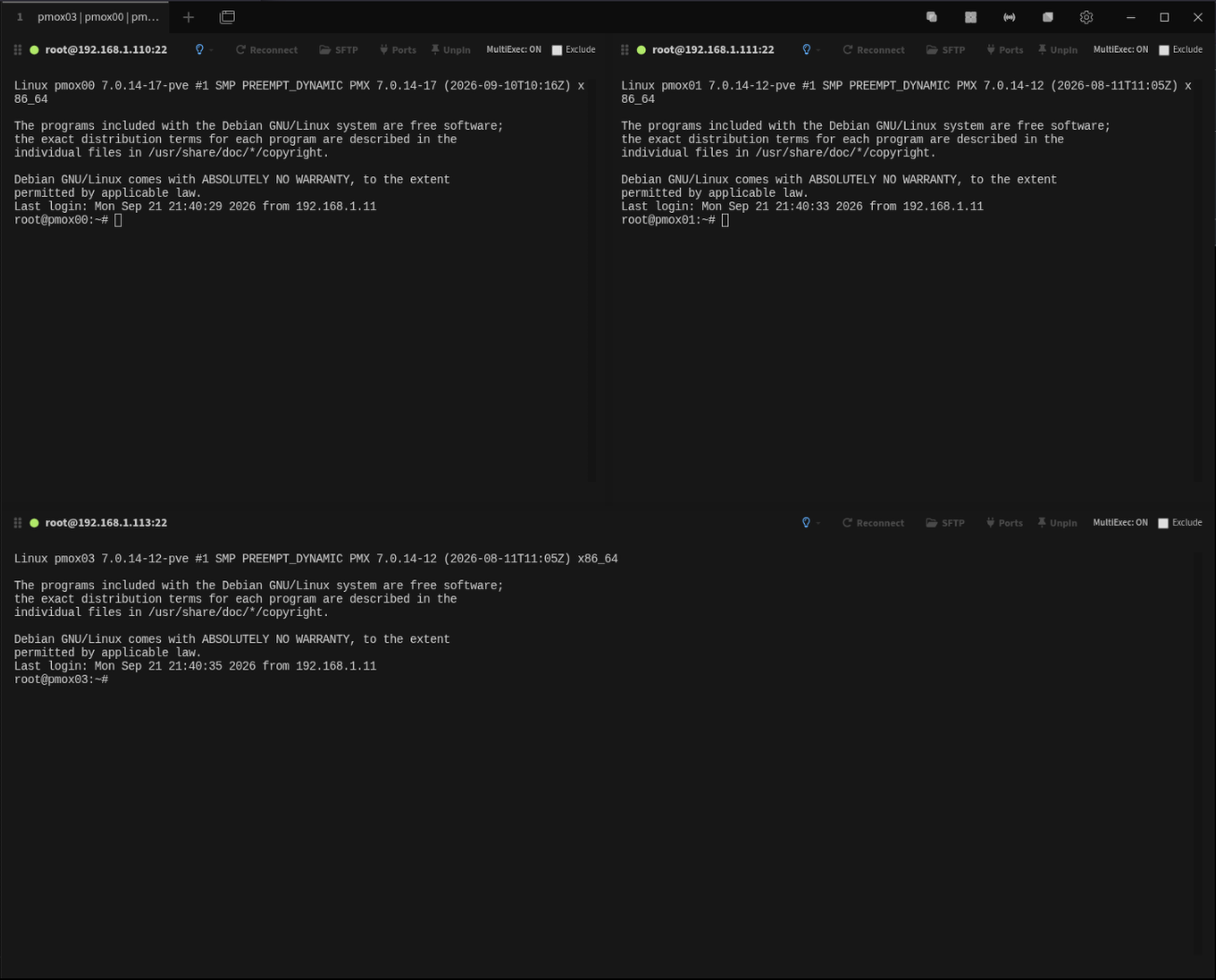
Broadcast mode remains active while the focused source terminal changes between panes.
PTTS Project · Tabby Plugin
Persistent, selective MultiExec for Tabby Terminal.
Broadcast input across tiled terminal sessions without losing MultiExec state when focus changes. Exclude individual panes dynamically, tile sessions independently of broadcast mode, and copy complete terminal scrollback with one click.
What it does
MultiExec extends Tabby's tiled-terminal workflow without replacing the way normal tabs and panes already work.
Broadcast mode remains active while the focused source terminal changes between panes.
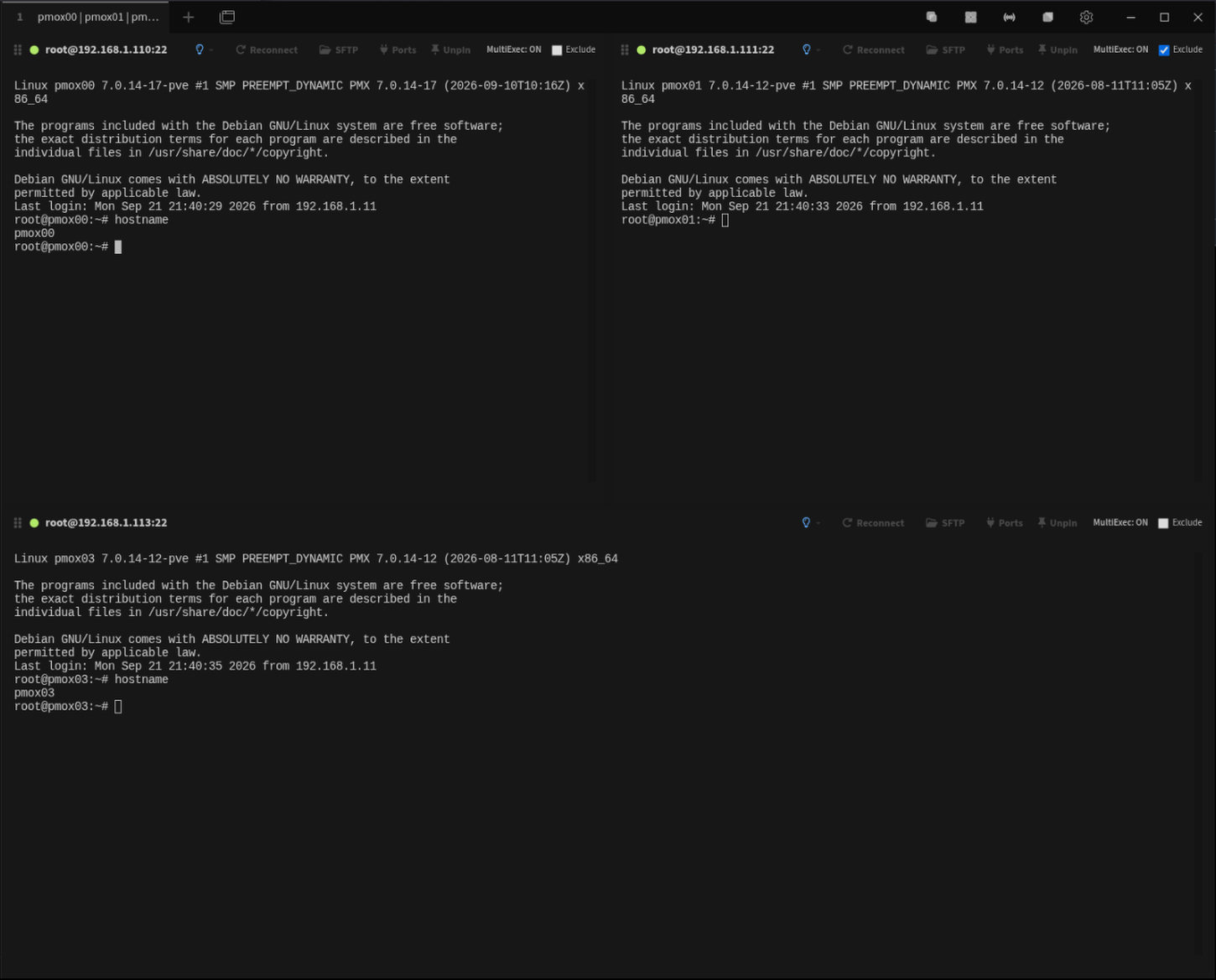
Remove individual panes from broadcast input while MultiExec remains active.
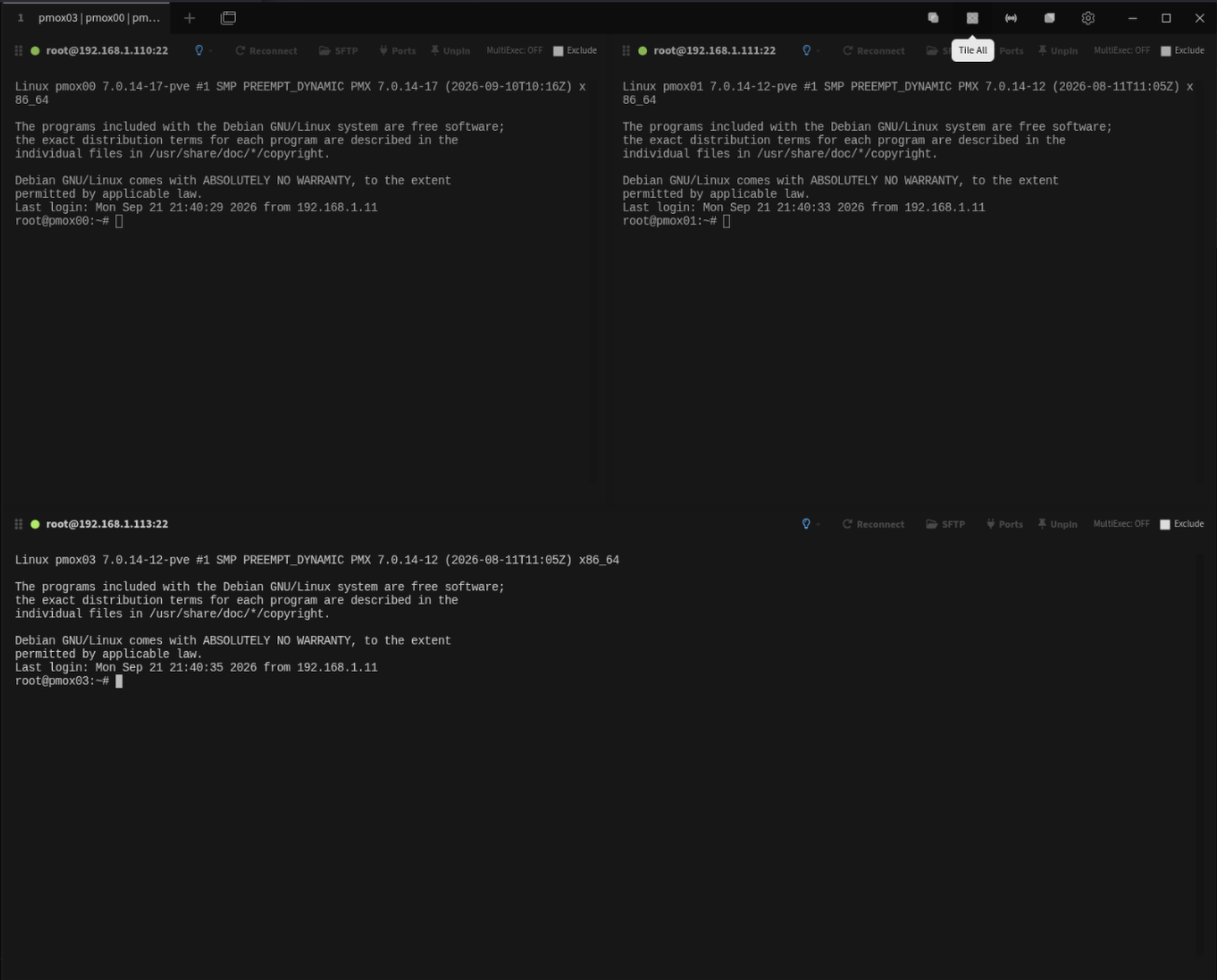
Tile open sessions without enabling broadcast, or disable MultiExec while remaining in tiled view.
Restore tiled sessions to their normal tabbed workflow when the multi-pane task is finished.
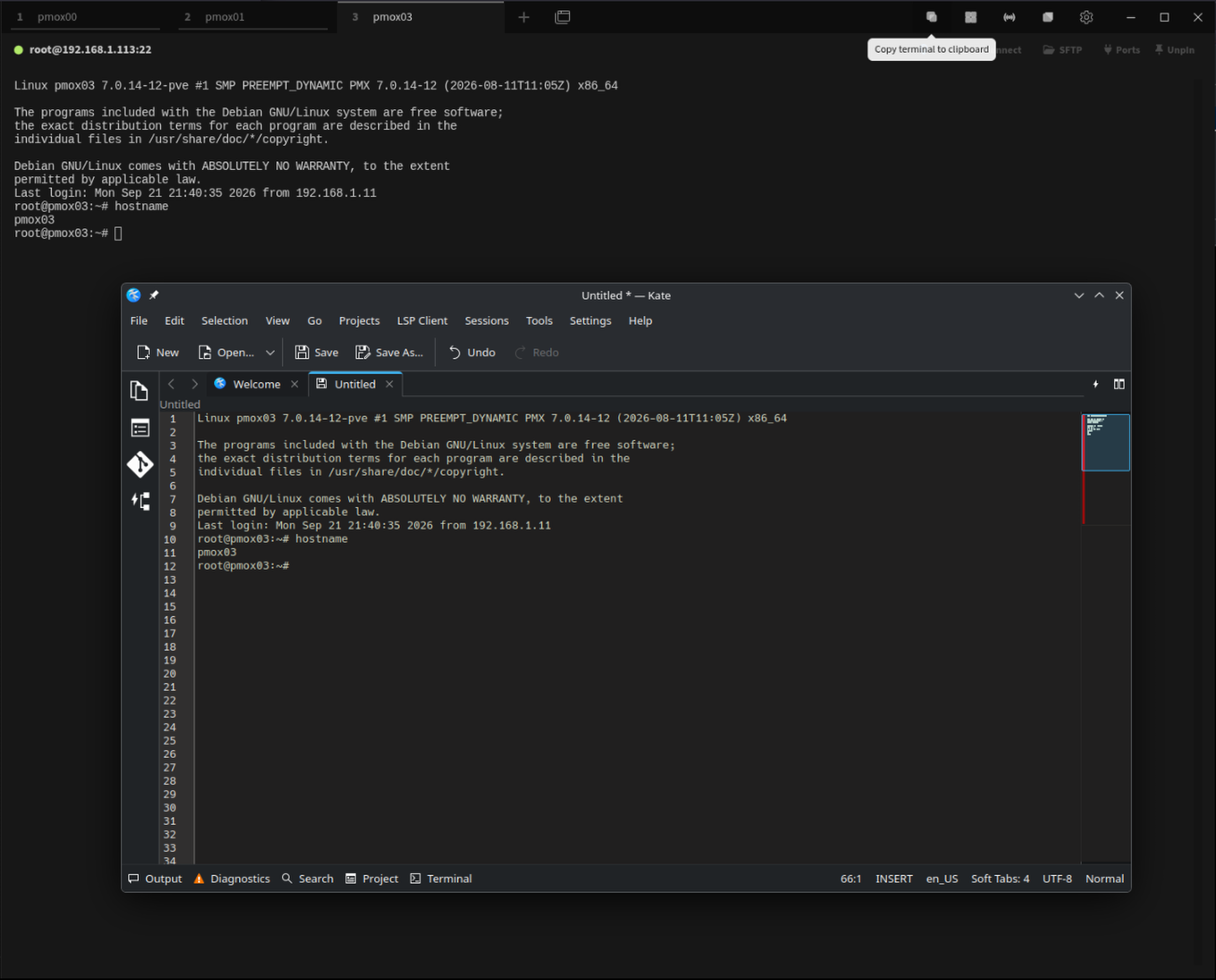
Copy the focused terminal's complete scrollback directly to the system clipboard.
Each pane visibly shows whether MultiExec is currently active and whether that pane is excluded.
Workflow
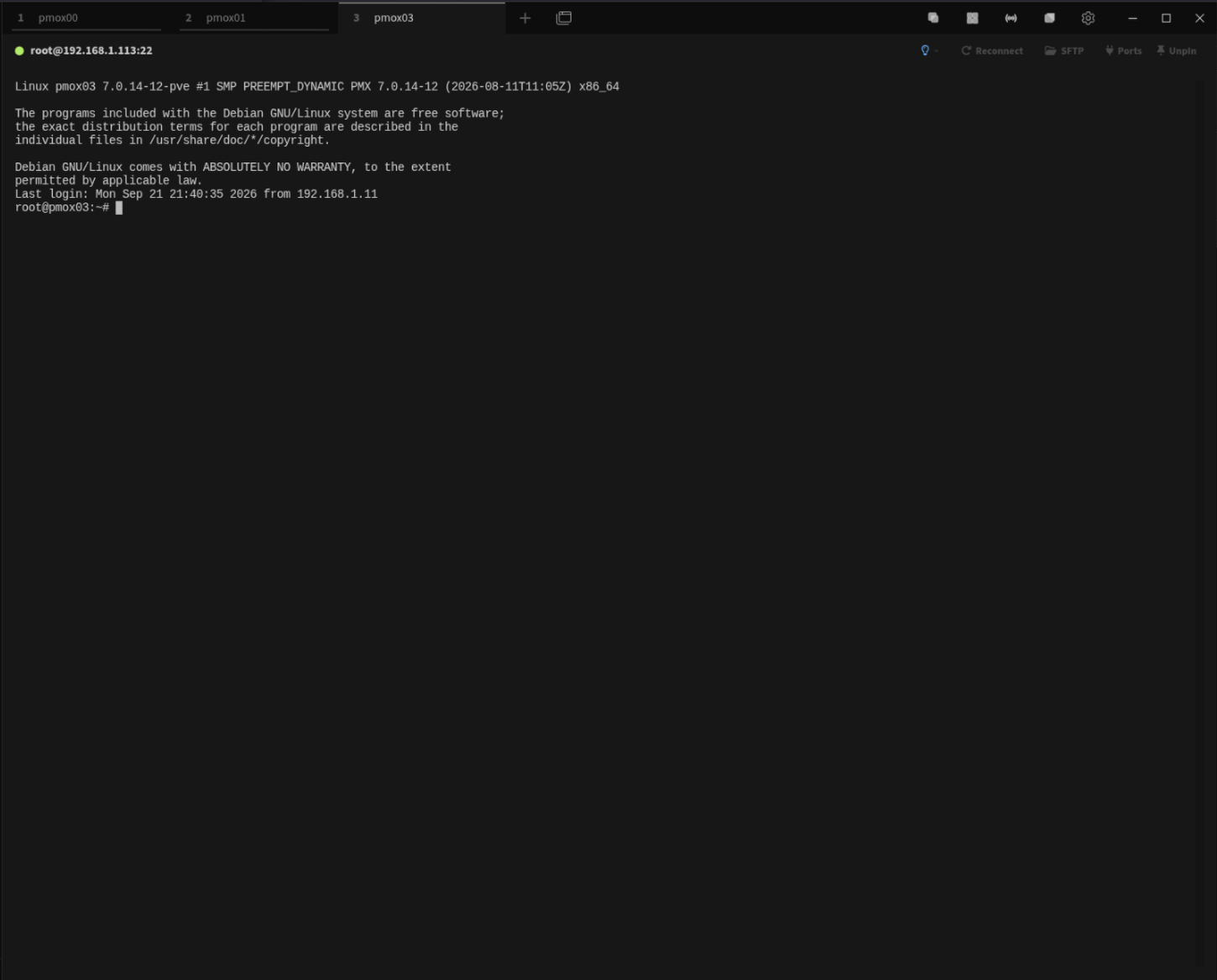
MultiExec doesn't require a special session model. Begin with the same tabbed workflow you normally use.
Use the Tile control when you want simultaneous visibility without sending keyboard input to every terminal.
MultiExec automatically tiles open sessions when needed and broadcasts input to included panes. Changing focus does not disable broadcast mode.
Check Exclude on any terminal to remove it immediately from broadcast input without stopping MultiExec for the remaining panes.
The Copy control places the complete scrollback of the focused terminal on the system clipboard.
Installation
multiexec.Some current Tabby releases have an unreliable plugin search
box. If searching for multiexec returns nothing,
scroll through the plugin list and locate it manually.
npm package:
tabby-multiexec
Compatibility
Other operating systems and Tabby versions may work but have not yet been formally validated.
Current release
September 23, 2026
Version 1.0.3 resolves stale terminal focus after disabling MultiExec and returning tiled sessions to normal tabs.